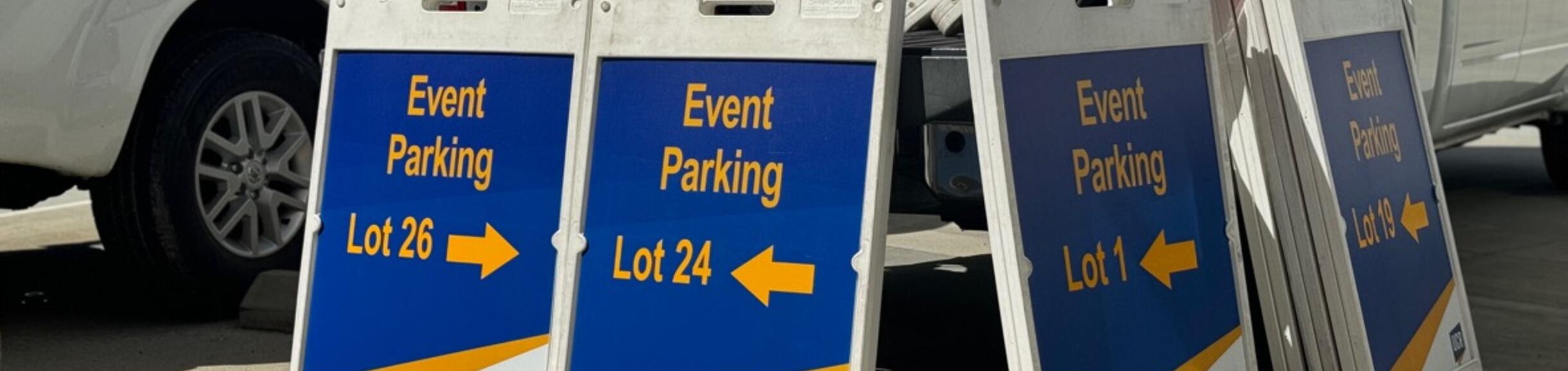
Arranging Guest and Event Parking
Whether you are hosting a large conference or inviting a single guest speaker, Transportation Services offers parking options to support your event.
Use the sections below to identify the option that best fits your event.
Planning a Large Event (More than 10 Guests)
Submit an Event Parking Services Request.
If you are planning a conference, symposium, or special campus event with more than 10 expected attendees, parking must be coordinated through Event Parking.
In addition to permits, Event Parking also provides additional services such as signs and reserved spaces. For more information, please visit Events & Conferences.
Hosting Small Groups or Individual Visitors (10 Guests or Less)
For smaller events or individual visits, departments may choose one of the following approaches:
- The department arranges parking for guests, or
- Guests purchase their own parking permits
-
Option A: Guest permits charged to Department COA
If your department will be covering the cost of parking, the appropriate method depends on how much information you have about your guests.
Request System Best Used When How It Works Restrictions Daily Kiosk Guest Permits You do not have your guest's license plate information
You do now know the exact number of guests
Same day arrivals
- Complete the Daily Kiosk Request Form
- Guests arrive at either of the information kiosks and introduce themselves as listed on the form
The kiosk ambassador collects vehicle information and issues the permit
Departments are only billed for permits that are claimed.
This option is only available for 1-day parking.
Permits are only issued during kiosk hours of operation.
For same-day guest arrivals, please allow for at least 30-minutes for our systems to update.
University funds (19900 funds) may not be used to purchase permits for UCR employees or students.
UCR Work Order System
TAPS-Advan/Long-Term Guest PermitYou want the guest to go straight to the lot to park
You want to arrange multi-day parking
- Collect license plate information, including state, for up to 10 guests
- Login to the UCR Work Order System*
- Select TAPS-Advan/Long-Term Guest Permit from the drop-down menu
- Fill out the form with the license plate information
- Once processed, guests may park directly in the assigned lot
License plate information must be provided with the request.
Please allow for at least 1 business day for this request to be processed.
*You must be an authorized Web Recharge user to submit. If not, contact your dept. transactor to submit the request on your behalf.
University funds (19900 funds) may not be used to purchase permits for UCR employees or students.
-
Option B: Guests can self-purchase
If guests will be purchasing their own parking permits, they may use one of the following self-service options:
- ParkMobile- Available in select parking lots across campus
- Self-service pay stations- Hourly and daily permits are available at pay stations in select parking lots
- Information Kiosk (Gold lots only)- Guests may purchase daily permits at the Information Kiosk. Kiosk ambassadors can also assist with directions and parking questions
- Parking Services Office- Weekly or monthly permits can be purchased in person at the Parking Services Office or by phone at (951) 827-8277
Please note that a department may not, at any time, purchase a parking permit with university funds (19900 funds) for use by any employee (faculty or staff) or student of the University.